Data Sources
Updated January 9, 2025
Data Sources represent the primary definition and structure of data used for input and/or output within the Constituo Integration Suite. Each data source includes the detailed properties of the physical data associated with the data source so that it may be read from and/or written to. The data source also includes the definition of each data field so that they may be referenced within a map or workflow.
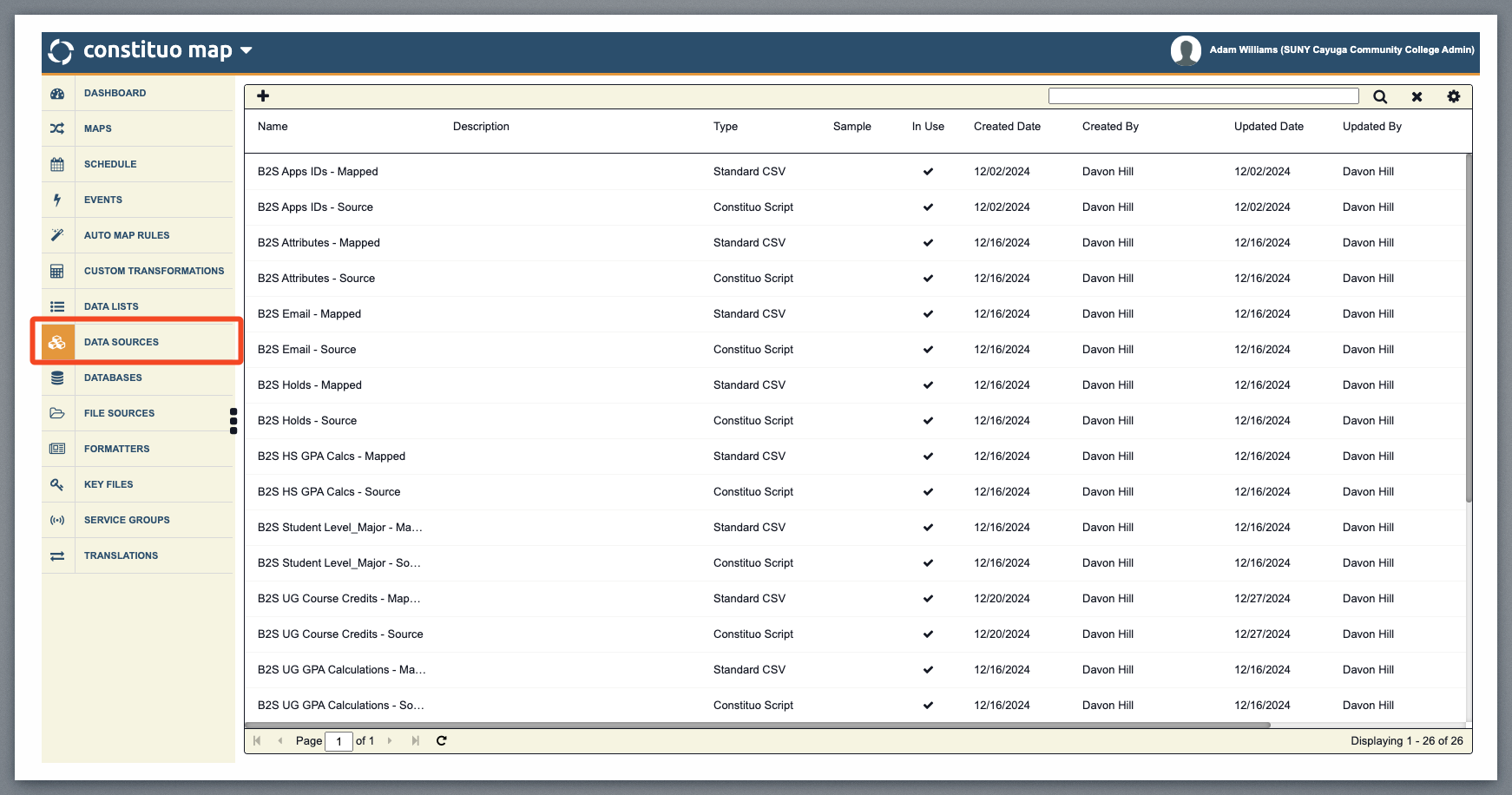
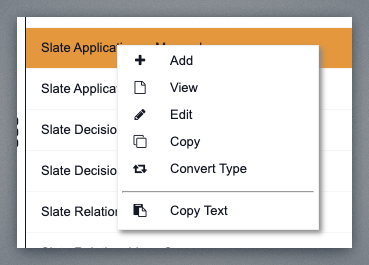
To view or edit, select the data source in the grid by clicking anywhere within the row, and right-click on the Edit menu.
Configuration Tab
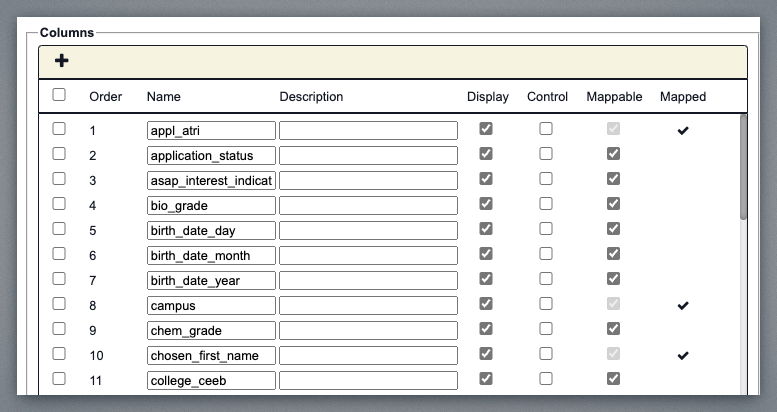
Use the Configuration tab to set the properties, store a sample file, and define the columns of the data source. The configuration varies based on the data source type you are adding.
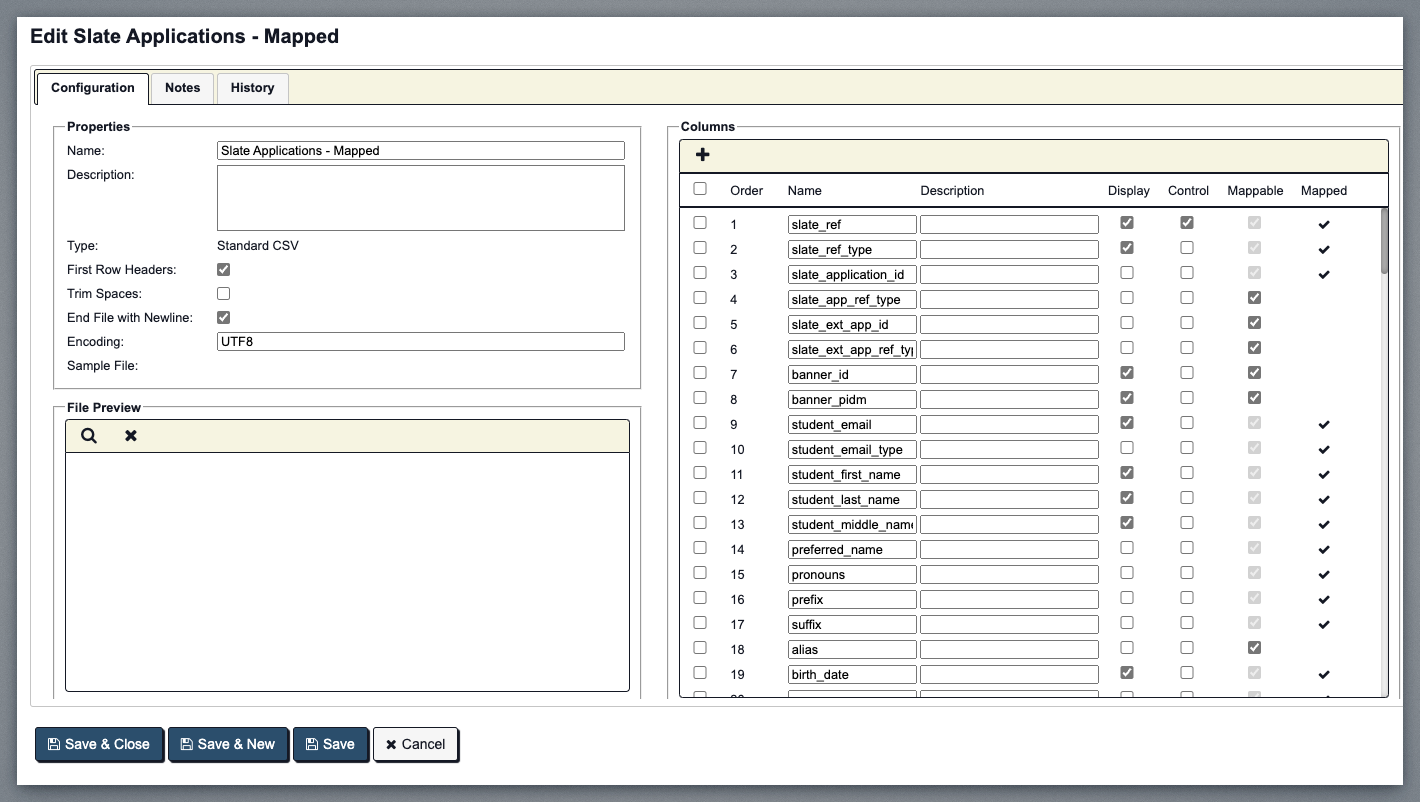
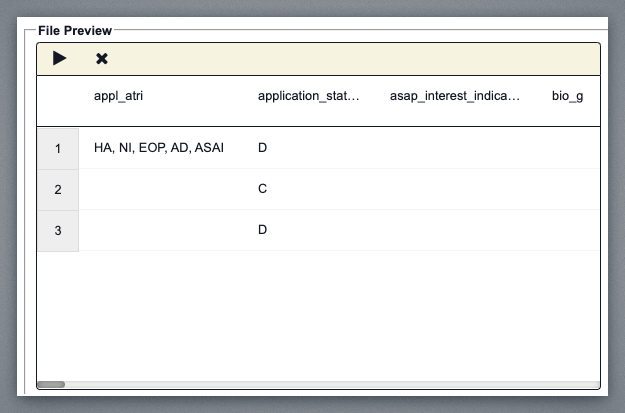
We can see a preview pane for your data from Slate and all the different fields coming over.
Script Tab
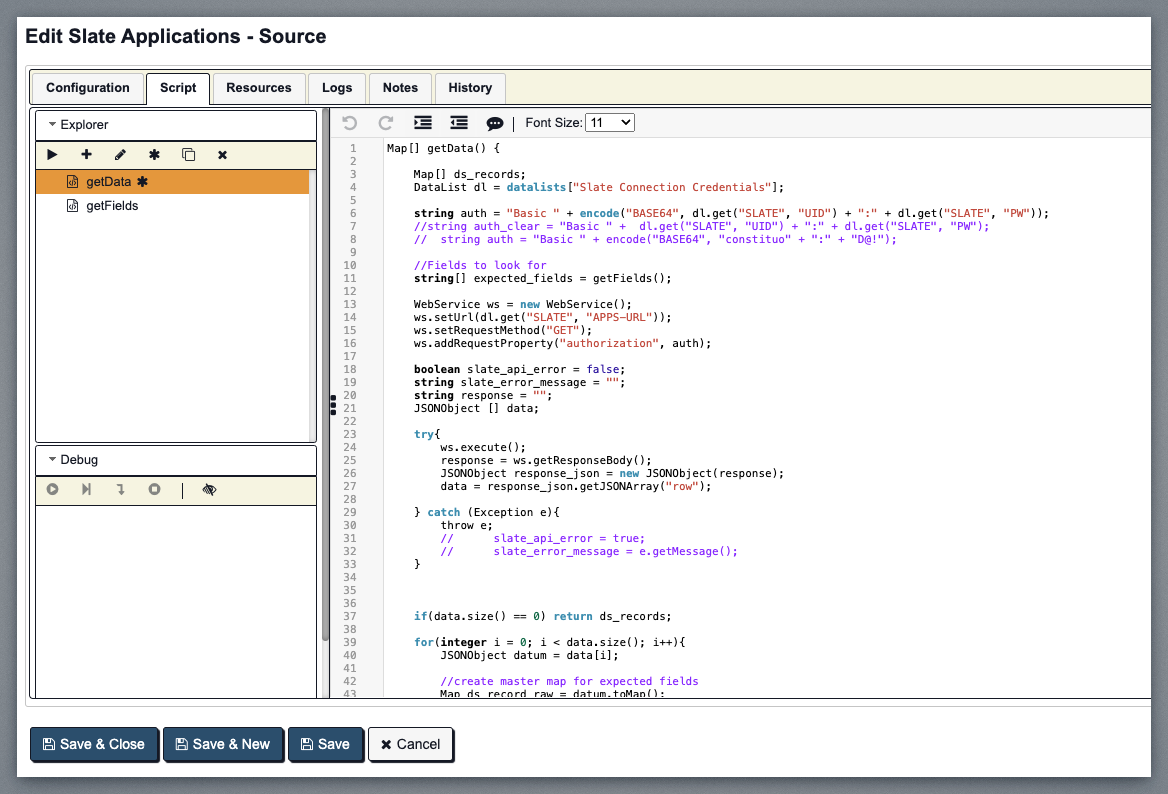
The script tab includes a procedure explorer, debug and watch accordions for debugging and testing, and a versatile text editor with several standard features you would expect from a code editor.
Explorer Accordion
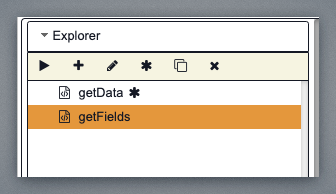
The explorer accordion displays all of the procedures within the script data source.
You can navigate to any procedure by clicking the procedure in the accordion.
Procedures with errors are displayed with a red X instead of the procedure icon.
The Entry Point procedure (will be run first) is marked with an asterisk after the name.